
For founders, vibe coders and small teams
A designer friend who works in your repo.
Onboarding screens, social carousels and App Store screenshots from a sentence about your app, drawn in the style you pick.
Describe your app or paste its link, pick a style, and arrange what comes back. The artwork is yours as files you keep: a React Native component for Expo, or images at the platform's own size, ready to post.
No card needed. An established GitHub account starts with 20 credits, and a drawing of up to 16 pieces is 10 credits.
Or ask for it from Claude Code, Cursor or Codex over MCP.
- 20 styles
- Collage, neon, woodblock, studio photo and more. See them all
- Yours to keep
- Plain image files and a React Native component, yours to commit or to post
- Free to start
- 20 credits with an established GitHub account, no card. A drawing is 10 credits
The styles
20 styles, and more on the way.
Every style was asked to draw the same screen, a whale at golden hour, so what you see is the difference between them. Pick one per project and everything you draw after that belongs together.
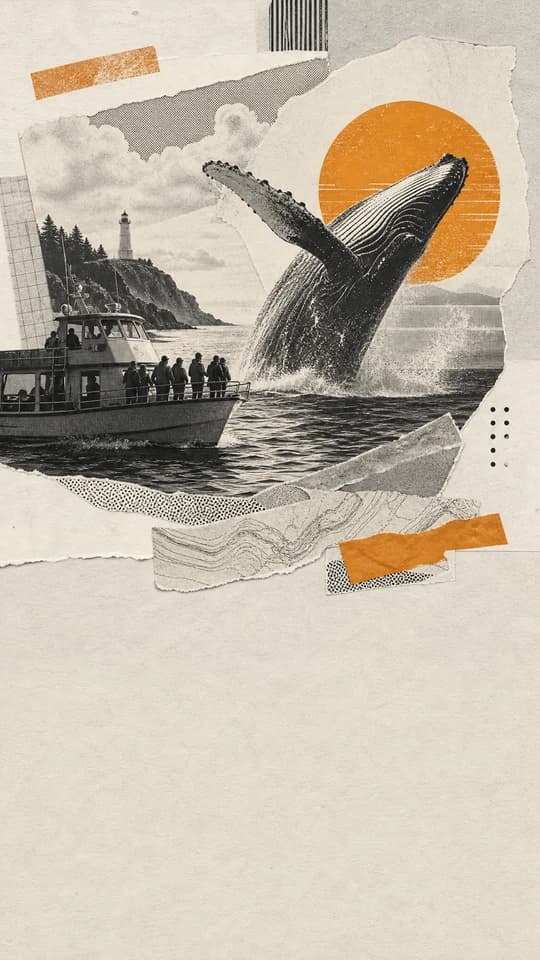
01Paste-up
Torn and printed paper scraps, halftone ink, one warm accent.

02Die cut
Die-cut vinyl stickers with thick white borders and flat color.
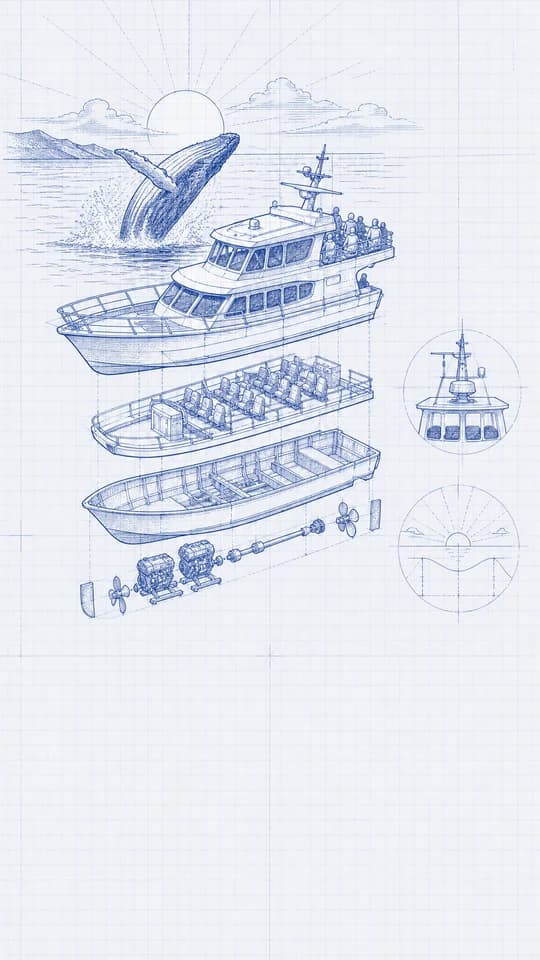
03Patent lines
Fine technical linework and drafting marks, cool and precise.
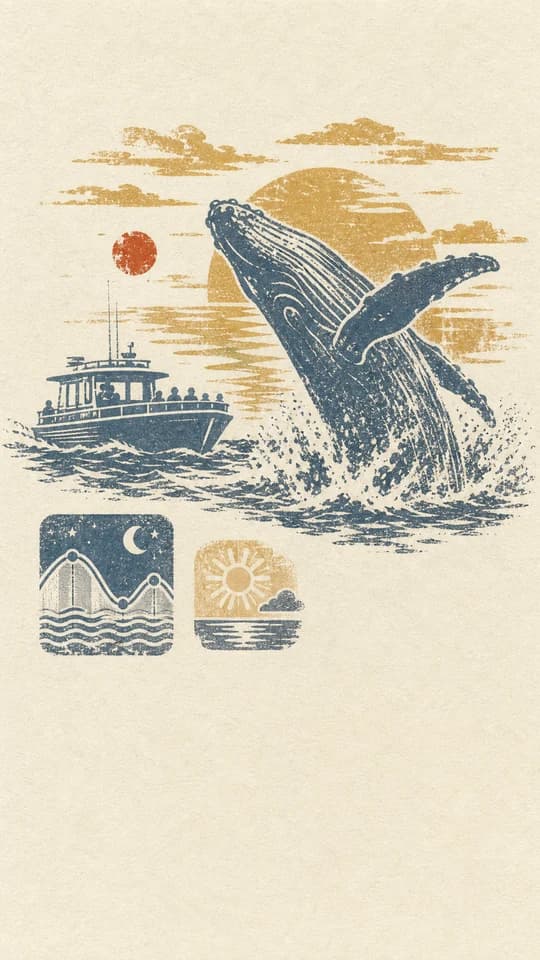
04Passport stamps
Hand-carved rubber stamp prints in two or three spot inks, slightly misregistered.
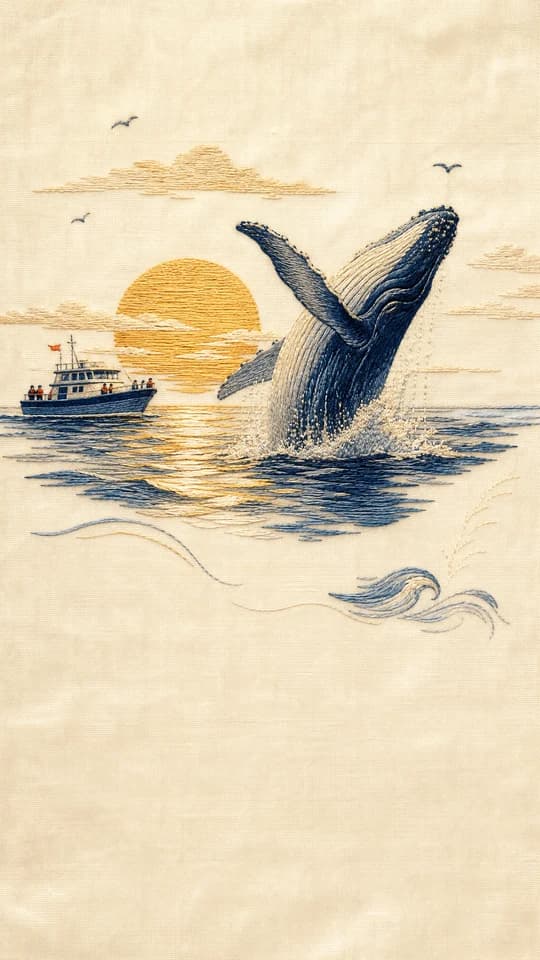
05Silk stitch
Stitched silk thread with real luster and stitch direction, sparse where it can be.
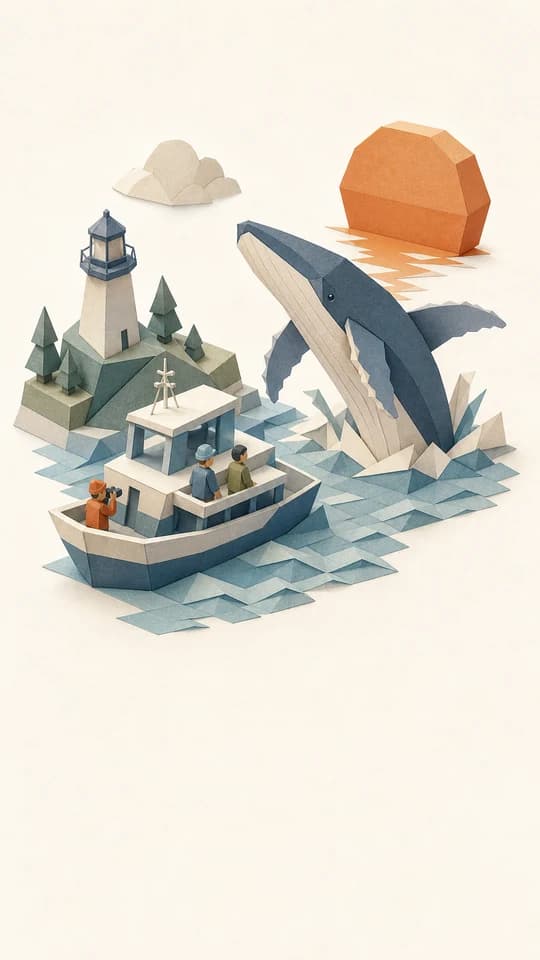
06Miniatures
Small isometric paper models with flat tonal faces and fine ink edges.
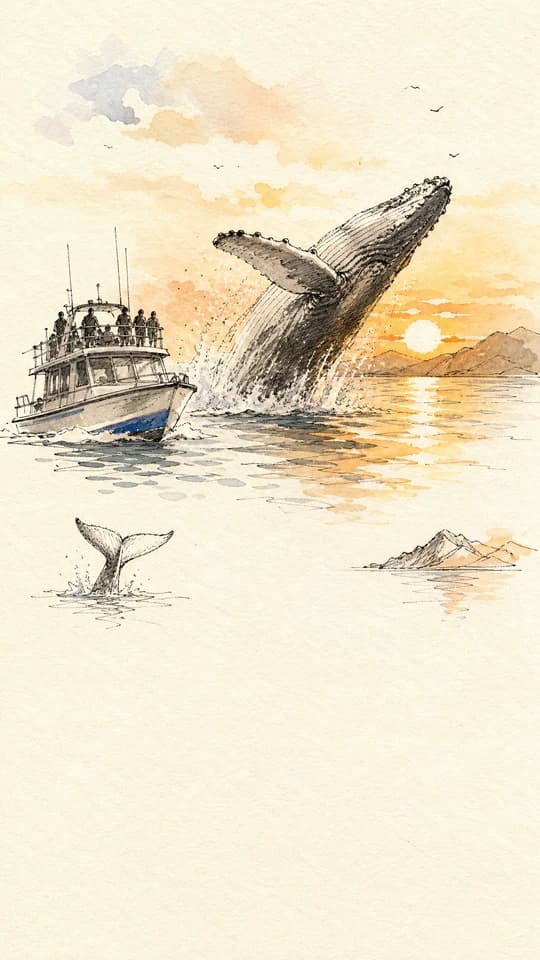
07Field sketch
Loose pen lines with two or three quick watercolor touches, mostly left blank.
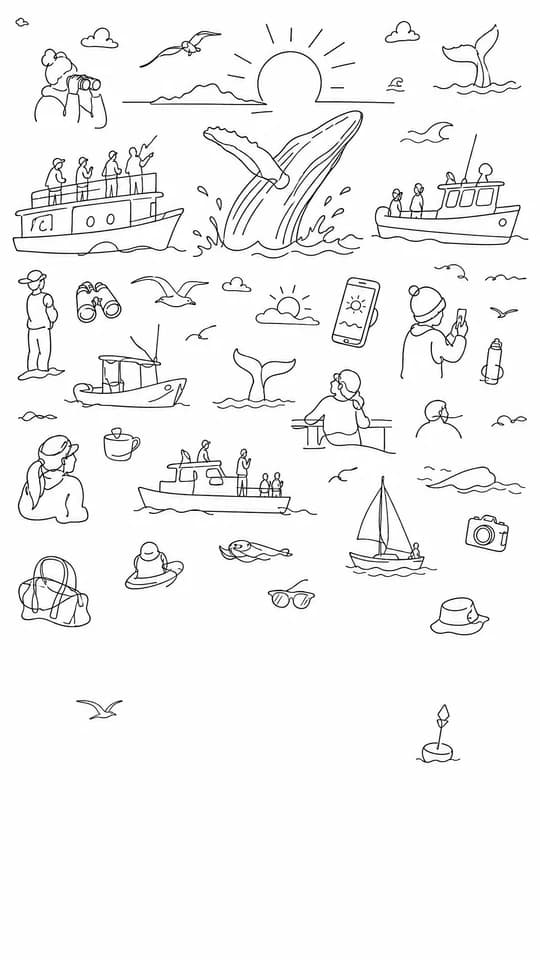
08Margin doodles
Tiny black-line figures and things, childlike and sharp.

09Display window
Softly real subjects passing through pale geometric windows, light and modern.

10Arcade
Chunky pixel sprites in a few hard colours, drawn for a night sky.
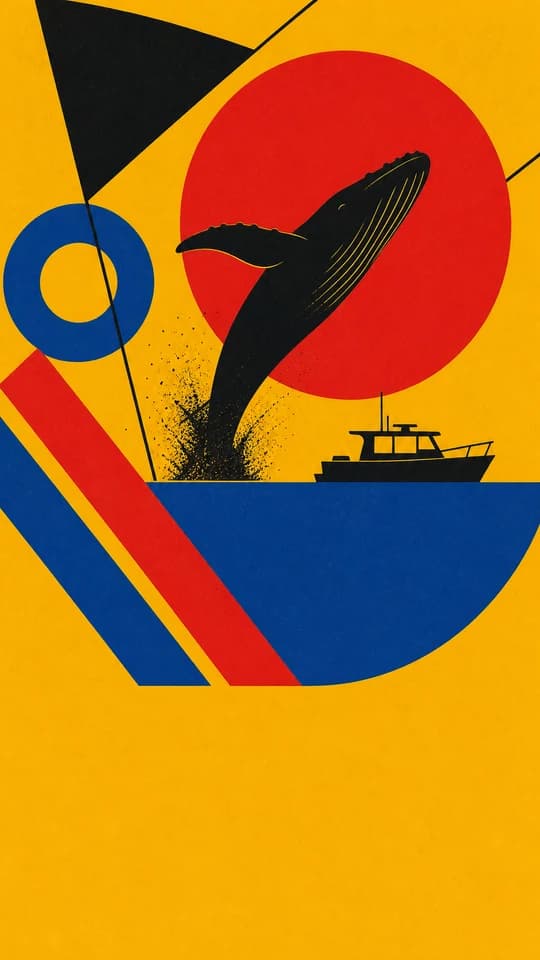
11Bauhaus
Circles, bars and wedges in red, yellow, blue and black, hard-edged and loud.
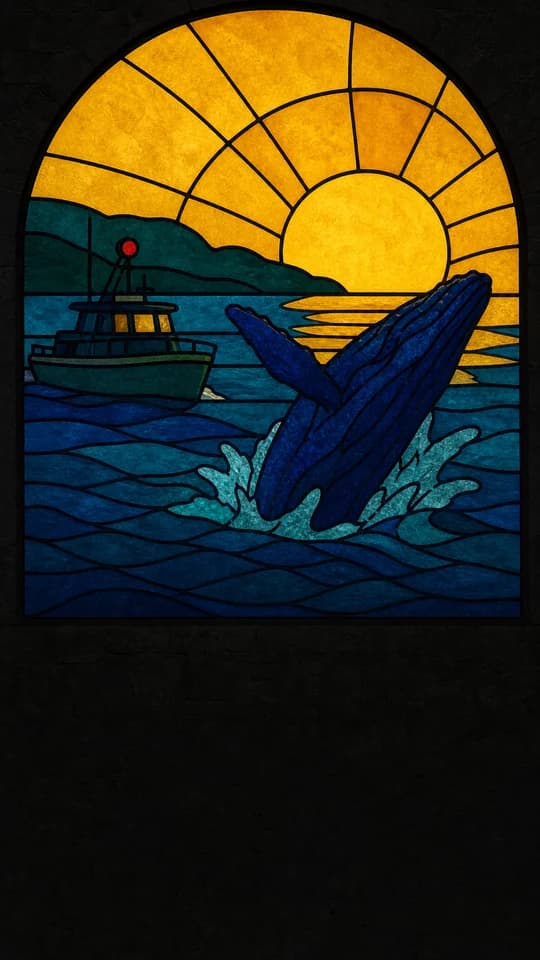
12Leaded glass
Jewel-coloured glass panes held in black lead, lit from behind.
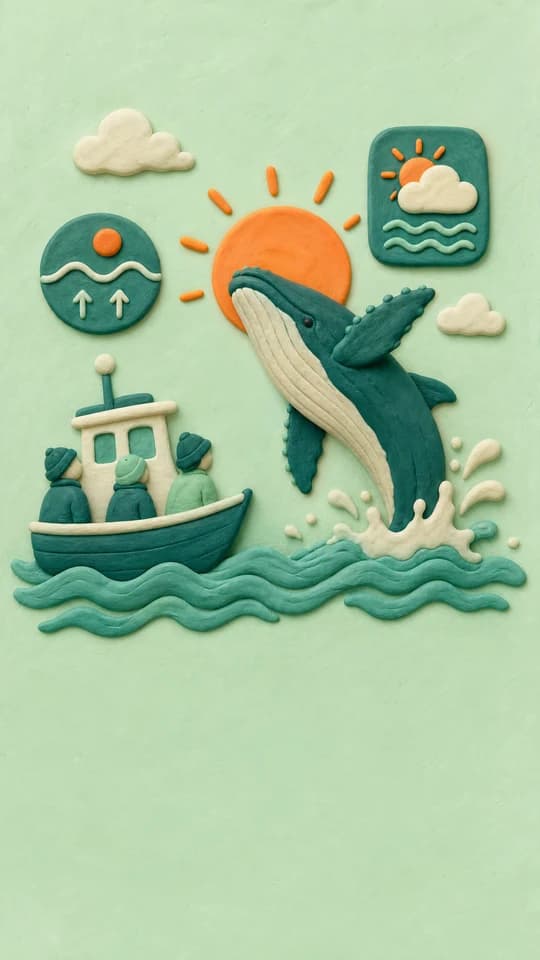
13Plasticine
Chunky modelling clay with fingerprints and rounded edges, soft and cheerful.
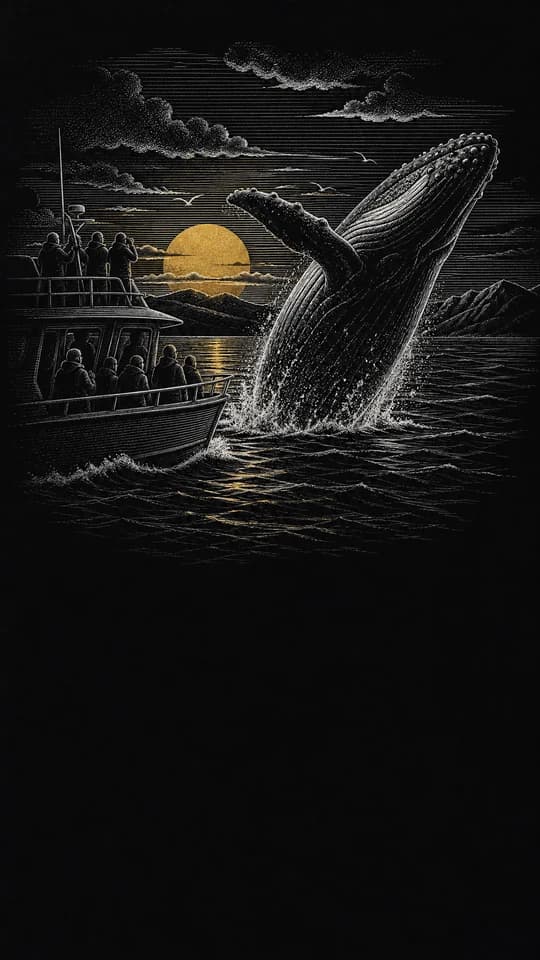
14Scratchboard
White lines scratched out of solid black, engraved and dramatic, with a touch of gilt.
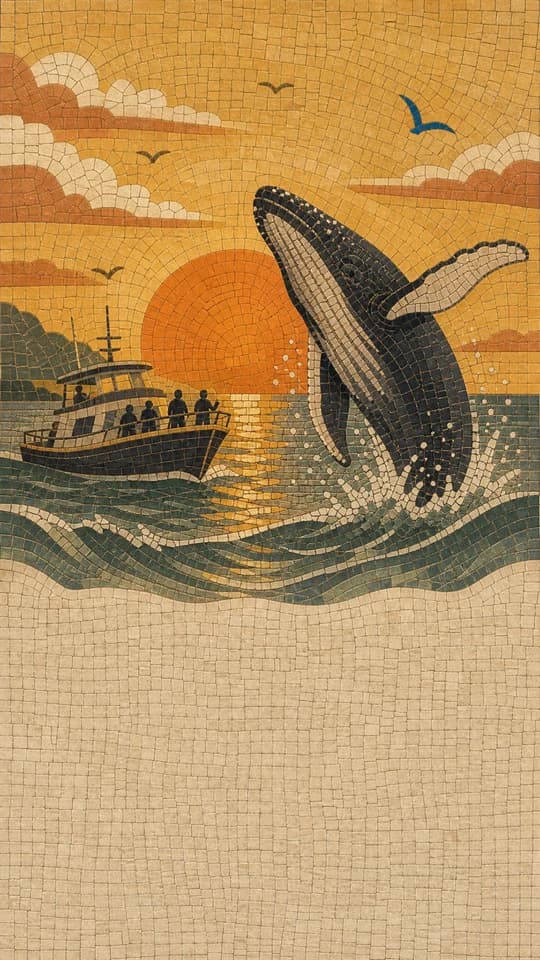
15Mosaic
Small stone and glass tesserae set in dark grout, ancient and mineral.
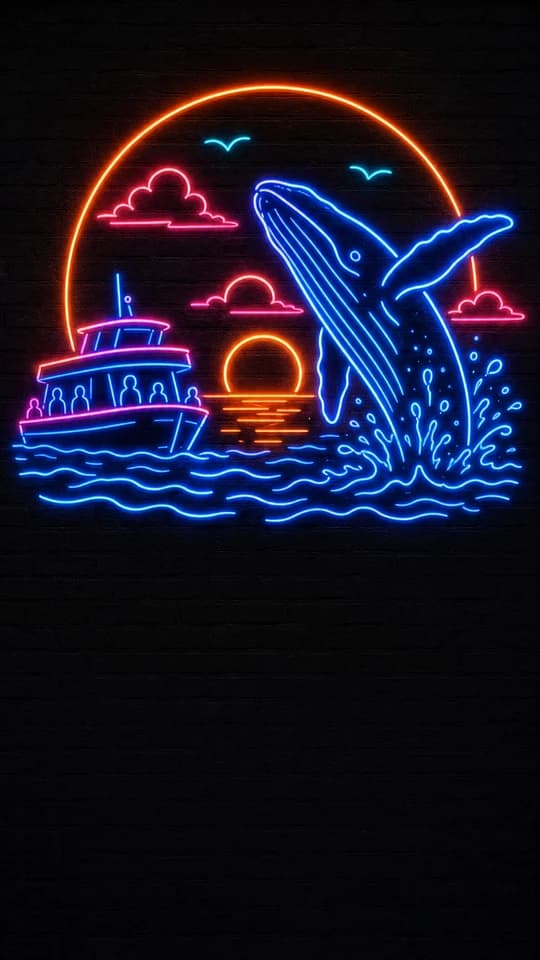
16Neon
Bent glass tubes, unlit by day on the sheet and glowing at night on the slide.
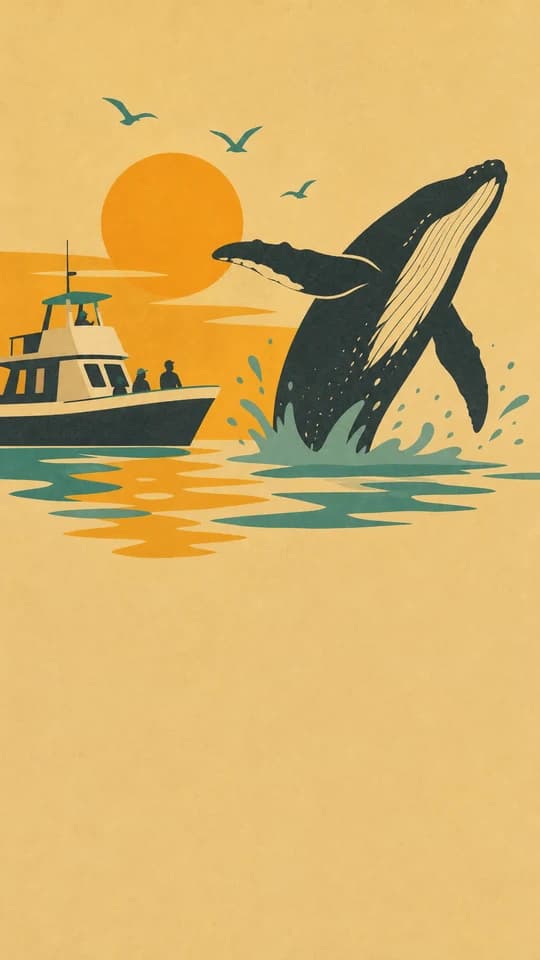
17Mid-century
A bird in three flat gouache shapes, chalky colour, no outlines, a little wit.
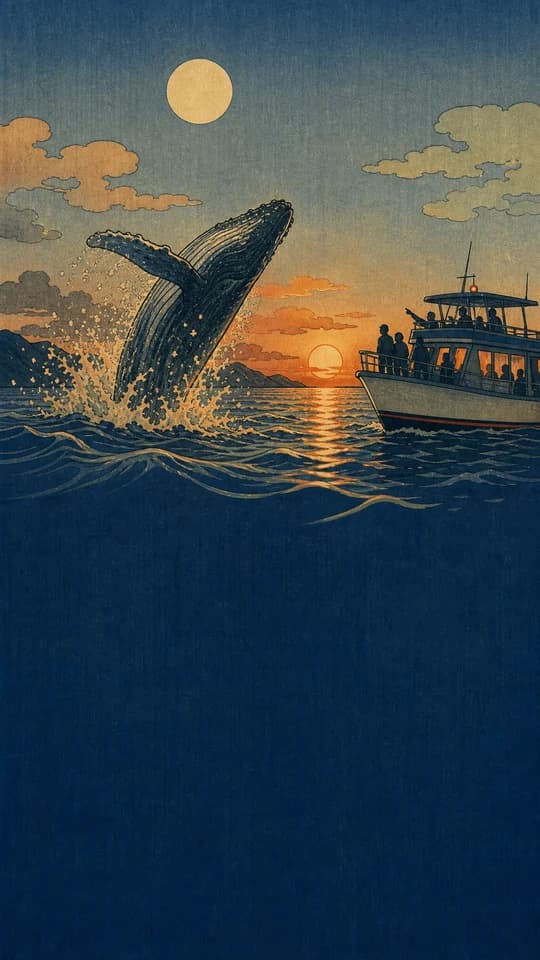
18Woodblock
Japanese woodblock keyline and flat colour, indigo night, patterned water.

19Packshot
Real things photographed in the studio, floating, on coloured seamless paper.
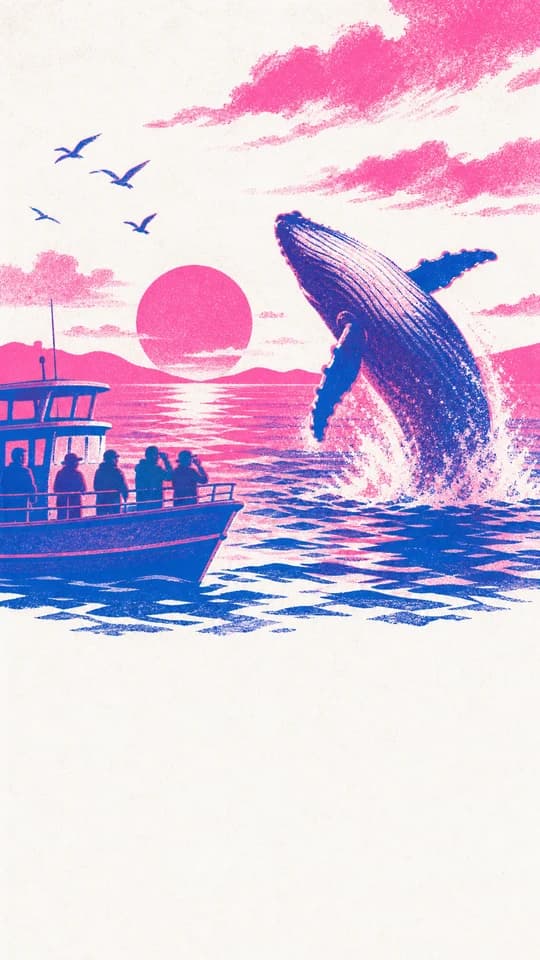
20Risograph
Fluorescent pink and blue inks printed over each other, grainy and out of register.
These are whole screens. Each style also draws the pieces that sit on top of one, so a screen and its props come from the same hand.
Gallery
What people made with it.
Every tour, carousel and screenshot set in the gallery was described in a sentence, drawn as pieces in a style and arranged by the person who made it. They are there because their authors asked.
How it works
Describe, draw, arrange, export.
Brief it the way you would brief a friend. Everything after that is arranging.
- 01
Describe it
A few sentences about your app, or its link: what it does, who it is for, the feeling you want. Nothing else to write.
- 02
Draw the artwork
An image model draws up to 16 pieces in your style in a single pass, so they share a palette and a light and belong together.
- 03
Arrange the slides
Every piece is cut out on its own and a first draft is laid out for you: an onboarding tour, a carousel with one background running across every slide, or App Store screenshots with your real screens set on the artwork. Drag and snap to guides. Motion is optional: add float, sway and parallax where a screen wants it.
- 04
Export it
A tour downloads as a zip: the transparent assets, a versioned config and a React Native component you paste into your codebase. A carousel downloads as images at the platform's own pixels, ready to post. Screenshots download at both stores' sizes, in the folders fastlane uploads.
Ways in
Works the way you build.
Whether you live in the terminal or in the editor, the first artwork is a few minutes away, and the bench is there when you want to take over by hand.
- Link
Start from your link
Paste your website or App Store page. Prepaper reads it, drafts the brief, suggests a style and pulls your accent colour, so your first move is an edit rather than a blank box.
- Agent
Ask for it from Claude Code, Cursor or Codex
One line in your agent's MCP config connects it to Prepaper. It signs in through your browser, then it can create the project, draw the artwork, lay out the screens and export, and every step hands back a studio link for when you would rather use your hands.
- Sandbox
Try it before you spend anything
Every account opens with a sandbox: real pieces already drawn and a three-slide tour already laid out. Push things around, restyle it and export a working component on zero credits.
- Soon
Talk to the canvas
Say what you want a slide to do and watch it assemble itself while you look on. Grab anything to take over by hand: it stops, and the next thing you say picks up from there.
What lands in your repo
Code in your repo, not a login in your app.
import { TourSlides } from './components/TourSlides';

export default function Onboarding() {
  return <TourSlides onDone={() => router.replace('/home')} />;
}
The component reads the config, the config points at the assets, and all three sit in one prepaper-export/ folder in your repository. Nothing calls back here at runtime, so you can cancel tomorrow and the tour keeps playing. A carousel needs none of this: it comes out as images at the size Instagram or TikTok asks for.
- react-native/TourSlides.tsx
- The component, for Expo and React Native. Its curves and durations sit beside it in react-native/motion-tokens.ts.
- config.json
- Schema-versioned layout and motion, with relative asset paths.
- assets/obj-*.webp
- Transparent WebP cut-outs, one per prop, only the ones your slides place.
- README.md
- The integration steps. Reanimated is the only runtime it expects.
Pricing
Credits buy artwork.
One drawing is up to 16 pieces that share a palette and a light, for 10 credits on the standard model. Other models and higher quality cost more, and the price is shown before you draw. A run that fails is refunded on its own. See pricing for what each plan buys.
$19a month
100 credits a month
One app, with room to redraw anything you are not happy with.
Choose StarterBilled monthly, and the credits reset each period. Change plan or cancel from your settings whenever you like.
$49a month
300 credits a month
An app you keep shipping, or two or three of them, with every screen drawn in one style.
Choose StudioBilled monthly, and the credits reset each period. Change plan or cancel from your settings whenever you like.
$99a month
750 credits a month
The best rate per credit, for a team or a studio drawing tours all month.
Choose MaxBilled monthly, and the credits reset each period. Change plan or cancel from your settings whenever you like.
20 free credits with an established GitHub account, top-ups from $20 that never expire, what each plan buys in drawings, and the questions people ask before they pay: see pricing.
Tell it about your app the way you would tell a friend.
With an established GitHub account the first artwork is on us: 20 credits, no card. Your artwork comes back as up to 16 pieces in the style you picked.